Other image trace tools couldn't handle my illustrations. So I built something that could.

Raster → Vector tracing for macOS
Download for Mac ↓ Read the story
macOS 10.15+ · Apple Silicon native · One-time purchase
See the difference

Raster in. Vector out.

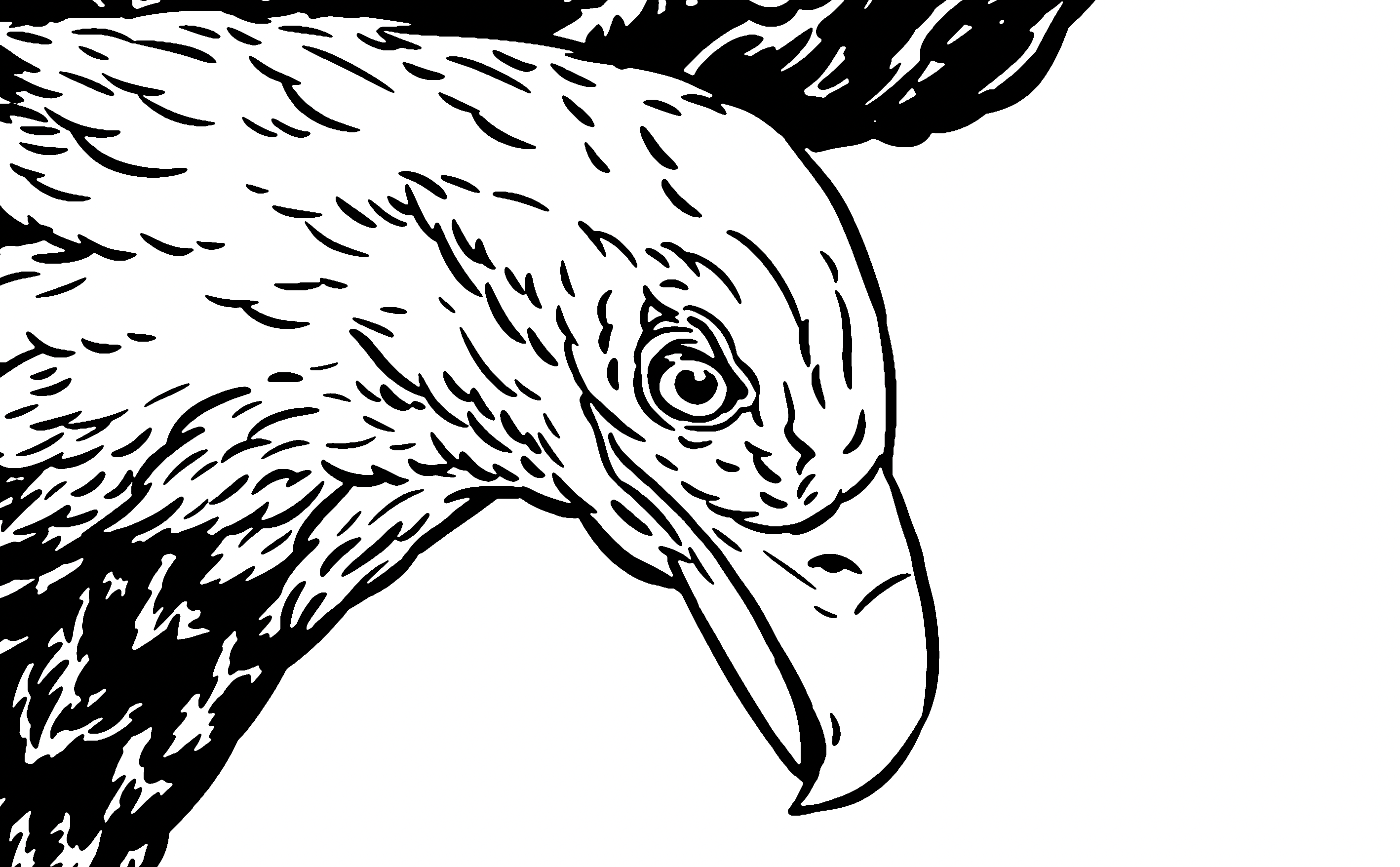
Before
Before — raster original
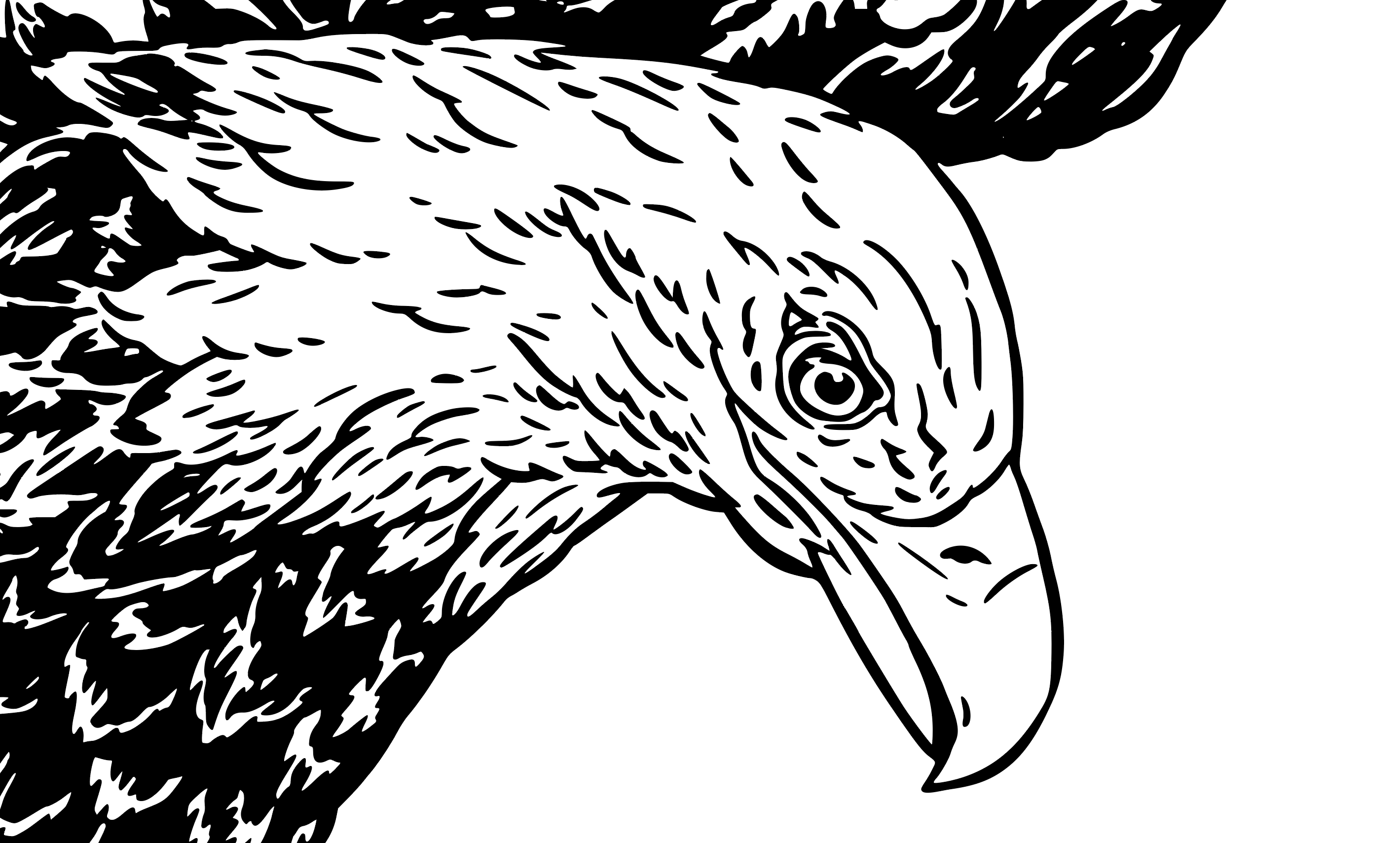
After
After — vector trace
See it in action

Watch Vector Bot work.

Vector Bot 2.0.1
Why this exists

Purpose-built by a working illustrator, not a software company.

The project was eight hand-drawn waterfowl — Great Blue Heron, Osprey, Bald Eagle, and five more — destined for a limited-edition cup series and other merchandise for Rise Up Coffee Roasters on Maryland's Eastern Shore.

Each bird was drawn in black ink with fine crosshatching and detail work. The kind of illustration that looks great on paper but turns into a muddy mess when you hit "Image Trace" in Illustrator. Paths everywhere, lost details, blown-out line weights. The image size restrictions built into the program prevented me from getting the results I needed.

I tried every tool I could find. None of them gave me the control I needed — the ability to dial in exactly how aggressively to trace, to preview instantly, to batch-process an entire series with the same settings, to undo and compare different approaches side by side.

So I built Vector Bot. And it worked! All eight birds, vectorized to production quality, in a fraction of the time. The cups are now out in the world for folks to enjoy, and now Vector Bot is too.

If you've fought with Image Trace, you already know why this exists.
New in 2.0.1

Built for the press, not just the screen.

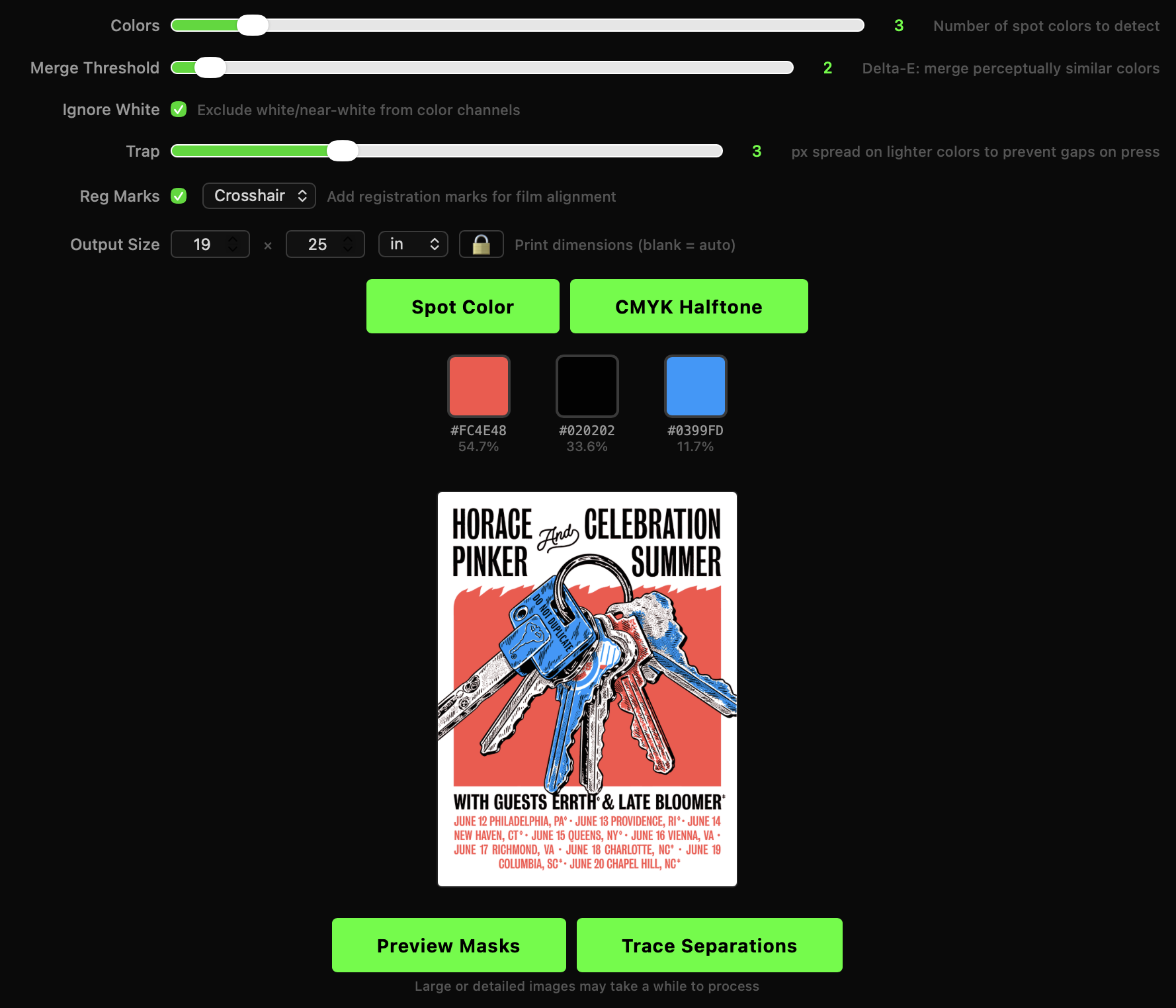
Vector Bot 2.0.1 adds professional screen printing color separation — from image to press-ready films, all without leaving the app.

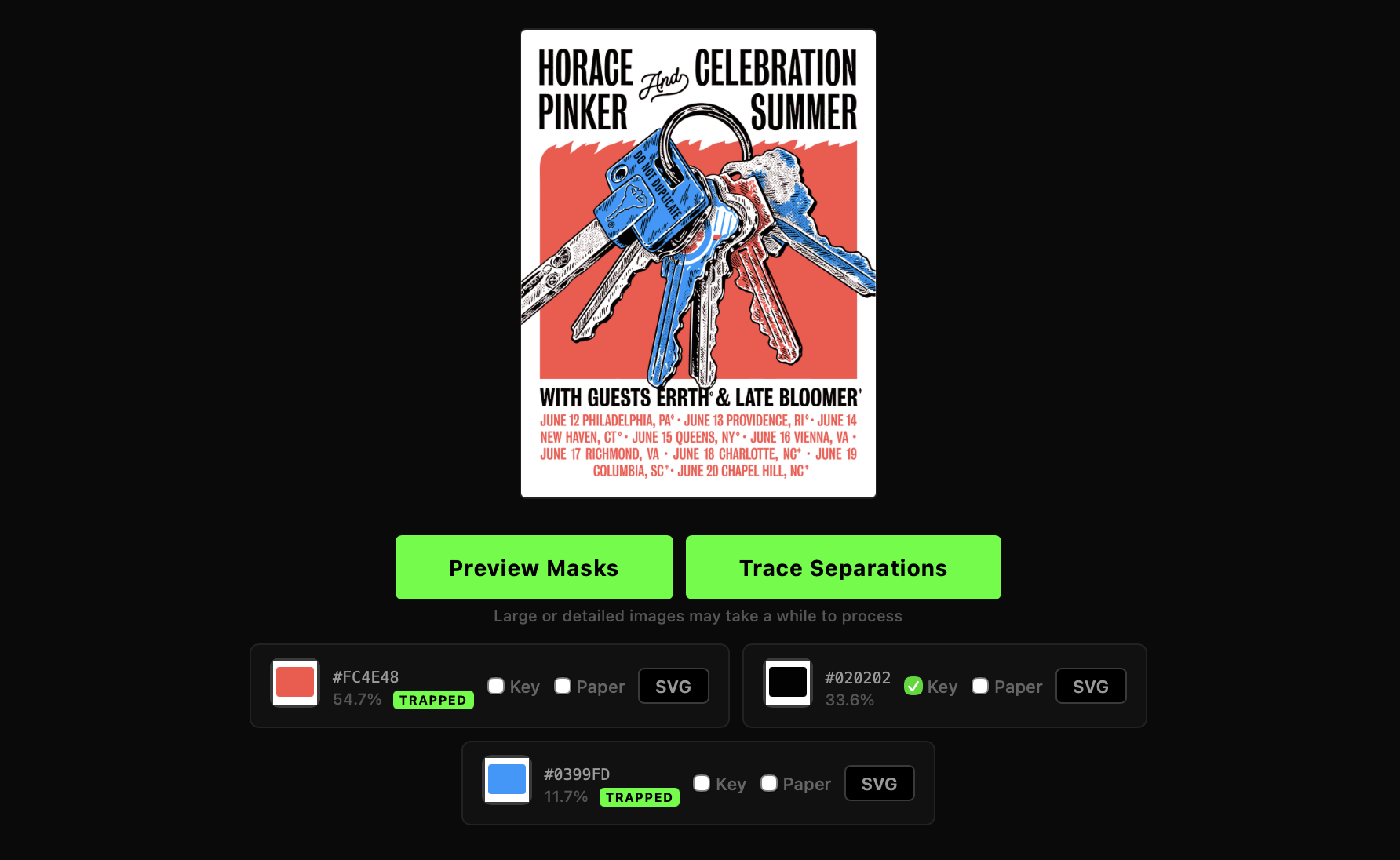
Color separation in Vector Bot uses the same perceptual color science as professional print software. Set your color count, preview the result, and export press-ready SVG films — one per color, with trapping and registration marks included.

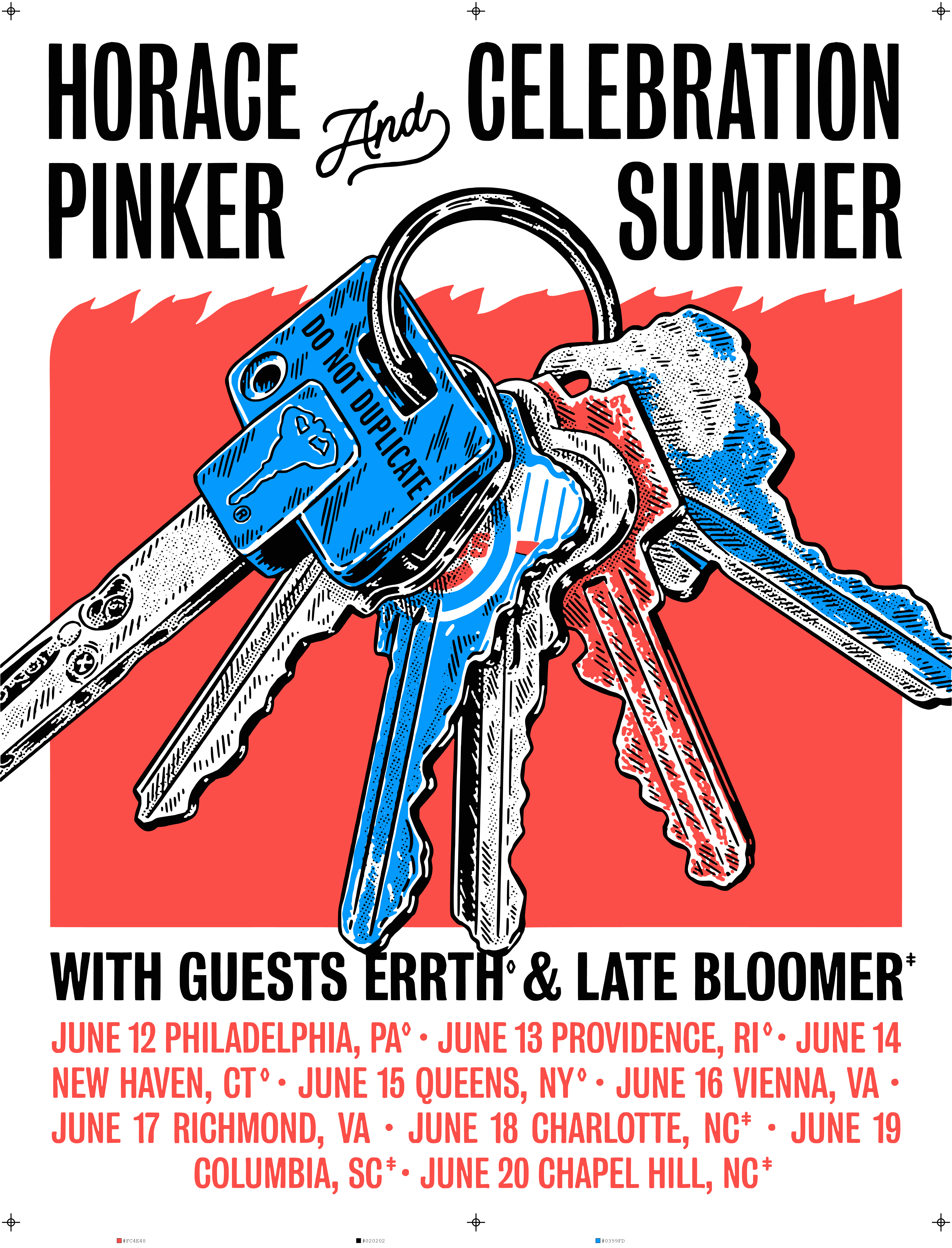
Color-separated poster with registration marks and color labels
Final output — registration marks, color labels, and press-ready artwork
Vector Bot color separation settings panel
01

Smart Color Detection

  • Analyzes colors the way your eye sees them, using CIELAB color space
  • Automatically merges colors that are too similar to separate
  • Ignore white/near-white backgrounds so they don't waste a channel
  • Live preview before tracing — see exactly what you'll get
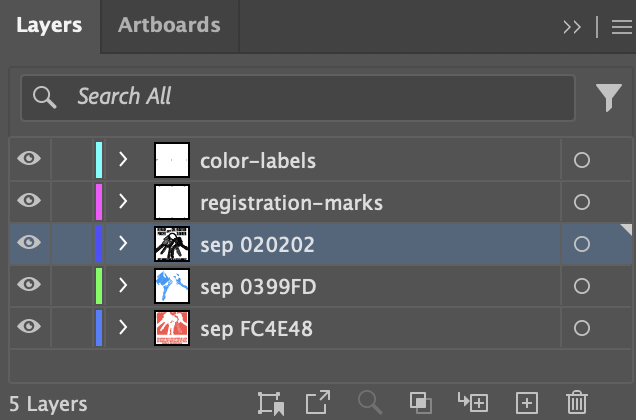
Traced color separations with per-channel SVG output Illustrator layers panel showing separated color layers
Per-channel SVG output → named layers in Illustrator
02

Press-Ready Output

  • Individual SVG film per color — black art on transparent background
  • Combined multi-layer SVG, fully compatible with Illustrator and Inkscape
  • Clean vector curves via Potrace with anti-aliasing artifact removal
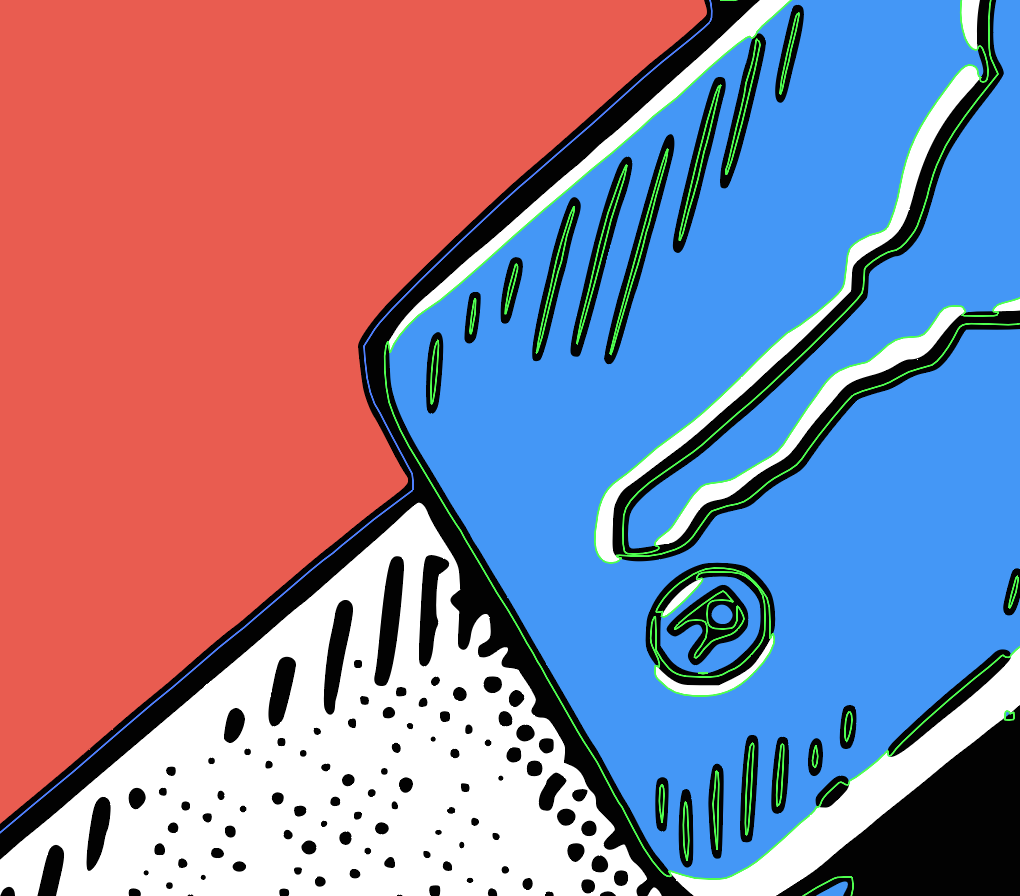
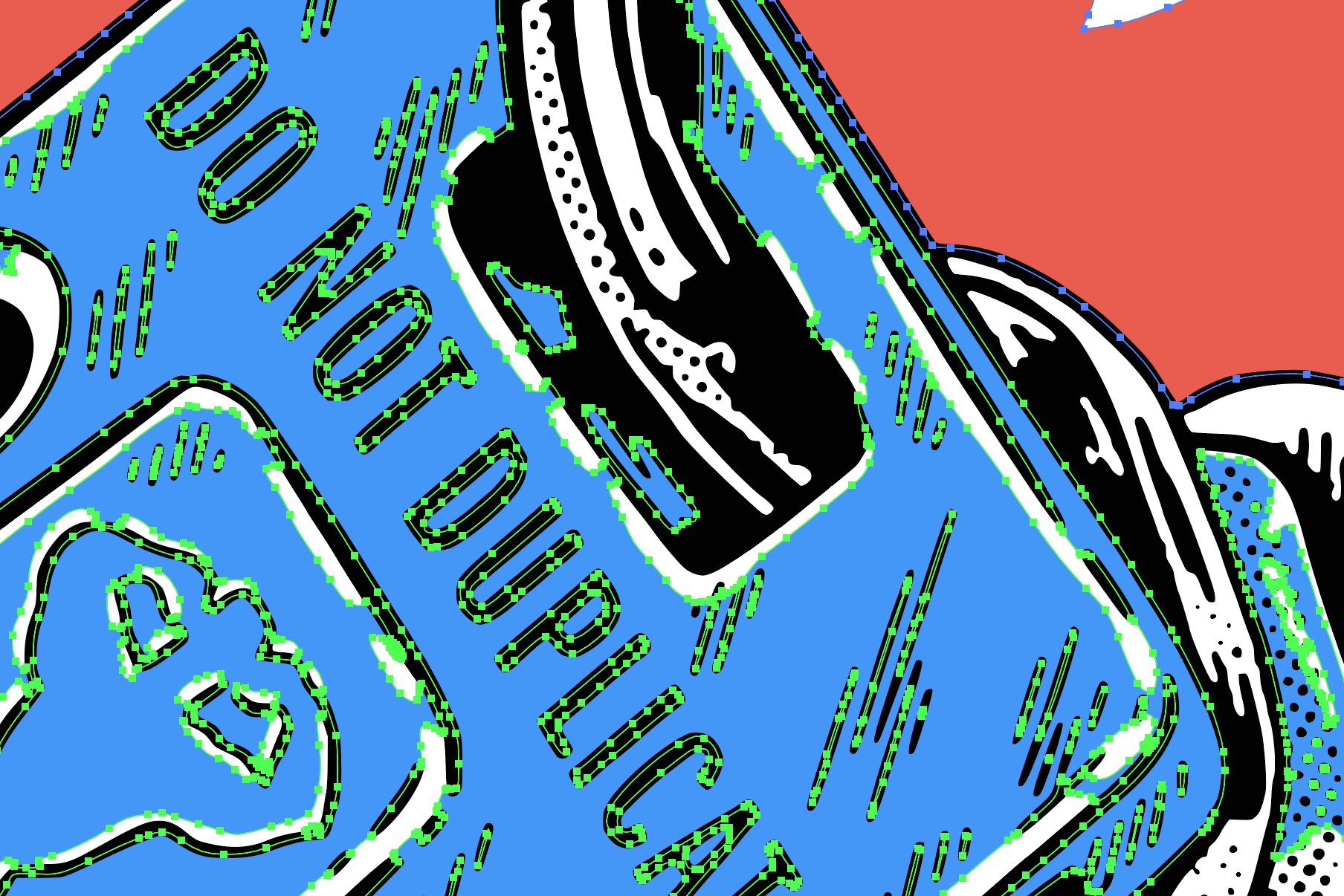
Close-up showing automatic trapping between color regions Detail of trap spread preventing white gaps on press
Automatic trapping — lighter colors spread into darker neighbors
03

Registration & Trapping

  • Automatic trapping between adjacent colors prevents mis-registration gaps
  • Designate a key (overprint) layer — prints on top, excluded from trapping
  • Crosshair or bullseye registration marks on every film
  • Color label strip on each film so press operators know which ink goes where
JP Flexner

JP Flexner

Philadelphia, PA, USA

Graphic designer and illustrator specializing in branding, hand lettering, illustration, and gigposters. I build Vector Bot because I use it every day in my own practice. Every feature comes from real work, not a product roadmap.

Select clients: Rise Up Coffee Roasters · Jawbreaker · Foo Fighters · Nirvana · Sleater-Kinney · The Mountain Goats

Stop fighting Image Trace.

One app. One purchase. Built by someone who gets it.

$25
One-time purchase · Free updates · macOS 10.15+
Download for Mac ↓

All processing happens on your machine.
No uploads, no cloud, no account required.